Why Every Smart Home Guide Ignores the One Thing That Actually Matters
Go Google “how to start a smart home in 2026.” I’ll wait.
Every single result is going to hit you with the same question first: Should you go with Alexa, Google Home, or Apple HomeKit? And then they’ll spend 2,000 words comparing voice assistants like that’s the decision that makes or breaks your setup.
It’s not. Not even close.
The choice that actually determines whether your smart home works reliably, plays nice across platforms, and doesn’t become a pile of expensive paperweights in two years? That’s your protocol. The invisible layer underneath all those apps and voice assistants that nobody wants to talk about because it’s not as sexy as comparing Alexa’s jokes to Siri’s attitude.
Anyone who’s set up more than a few smart home devices knows… the single biggest source of frustration has never been which voice assistant I’m yelling at. It’s been devices that won’t talk to each other because they’re running on different protocols and nobody mentioned that in the “beginner’s guide” I read before buying them.
So here’s the conversation I wish someone had with me before I started.
The Question Nobody Asks First (But Should)
When you buy a smart light bulb, a thermostat, or a door sensor, it needs a way to communicate. That communication method is the protocol. Think of it like a language. Your devices can only understand each other if they speak the same one.
The ecosystem (Alexa, Google, Apple) is just the app on your phone. It’s the interface. The protocol is what’s actually happening underneath. And here’s the thing that most guides skip: you can switch ecosystems relatively easily. Swapping protocols means replacing hardware.
That’s why this matters so much more than which voice assistant you prefer.
A Quick Rundown of Your Protocol Options
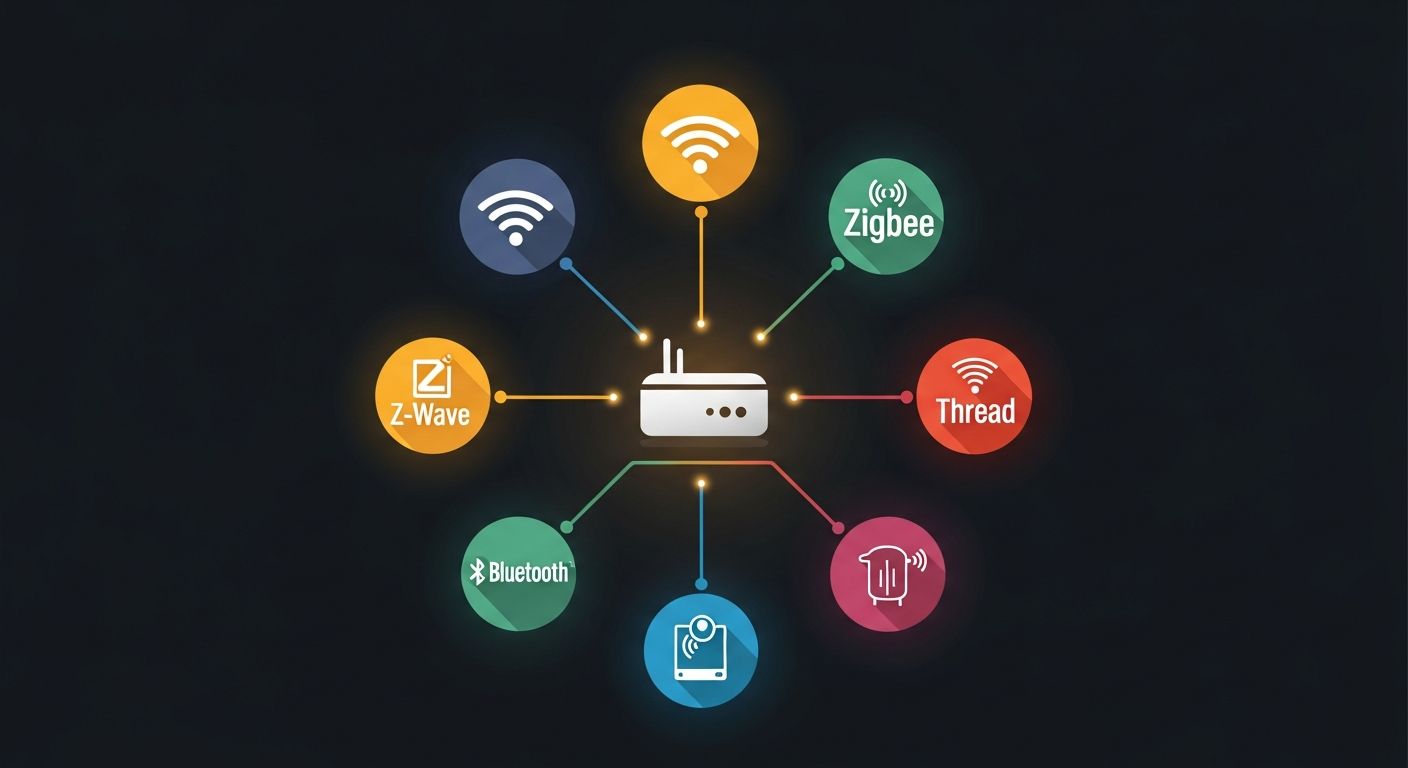
There are four main protocols you’ll encounter when shopping for smart home gear in 2026. Each has real strengths and real weaknesses.
Wi-Fi
The one everybody starts with because it requires zero extra hardware. Your router is the hub.
The good: No hub required. Easy setup. Fast data transfer, which matters for cameras and video doorbells. You already have it.
The problem: Every Wi-Fi device eats into your network’s bandwidth and connection slots. A dozen smart plugs, some bulbs, a couple cameras, and suddenly your spouse is asking why Netflix keeps buffering. Wi-Fi devices also tend to chew through batteries, so most are plugged in. And if your router goes down, everything goes dark.
Wi-Fi is fine for a few devices. It falls apart as a foundation for a whole-house setup.
Zigbee
Been around since the mid-2000s. Uses a 2.4GHz mesh network, meaning devices relay signals to each other, extending range throughout your house.
The good: Low power consumption. Mesh networking. Huge device selection (Philips Hue, Aqara, IKEA’s older Tradfri line all run Zigbee).
The problem: Requires a hub. That 2.4GHz frequency competes with your Wi-Fi and can cause interference. Limited range per device (about 10 meters before mesh kicks in). Different manufacturers sometimes implement Zigbee slightly differently, creating compatibility headaches even within the same protocol.
Zigbee is proven and reliable if you commit to one manufacturer’s ecosystem. Cross-brand can get messy.
Z-Wave
Similar concept to Zigbee, but operates on a different frequency (908MHz in the US). This is actually a big deal.
The good: That lower frequency means zero interference with your Wi-Fi. Better wall penetration. Very low power draw, great for battery sensors and locks. Rock-solid mesh networking. Strong interoperability between brands.
The problem: Also requires a hub. Slower data speeds (not ideal for anything beyond simple commands). Smaller device selection than Zigbee or Matter. More expensive per device on average. The Z-Wave Alliance has been slower to innovate, and the ecosystem feels like it’s in maintenance mode compared to the newer options.
Z-Wave is still excellent for specific use cases, especially security sensors and locks. But it’s a tough sell as your primary protocol in 2026.
Matter over Thread
The new kid that’s finally old enough to take seriously.
Matter is the communication standard (the language), and Thread is the network layer it runs on (the mesh network). Together, they give you low-power mesh networking with native IP support, which means your devices can talk directly to the internet without a proprietary hub translating for them.
The good: Works across Apple, Google, Amazon, and Samsung platforms natively. No vendor lock-in. Low power, mesh networking like Zigbee but without the interference issues (Thread runs on 802.15.4 at 2.4GHz but is designed to coexist with Wi-Fi far better). Over 1,100 certified devices from 350+ brands and growing fast. The Matter 1.5 spec (published November 2025) added cameras, energy management, and more device types.
The problem: It’s still maturing. IKEA’s recent Matter launch was rocky, with some users reporting nearly 50% pairing failure rates on certain devices. Google Home didn’t even support Matter switches as automation triggers until February 2026. And you need a Thread border router, which is an extra piece of hardware (though you might already have one).
Matter over Thread has rough edges. But the trajectory is clear, and the foundation is right.
Why Matter Over Thread Is the Move in 2026
Here’s the honest take based on where the technology stands in 2026: if you’re starting fresh, Matter over Thread should be your default protocol. Not because it’s perfect today, but because of three things no other protocol can match.
Cross-platform compatibility is real, not theoretical. A Matter device works with Alexa, Google Home, Apple Home, and SmartThings. Buy once, use anywhere. If you switch from an iPhone to Android next year (or vice versa), your devices come with you. No other protocol does this.
The device count crossed the tipping point. With 1,100+ certified products from 350+ brands, you can build a full home setup on Matter: lights, plugs, switches, locks, thermostats, sensors, shades. That wasn’t true even a year ago. The Matter 1.5 spec adding cameras was the last major gap for most people.
Thread’s mesh networking solves Wi-Fi’s scaling problem. Thread creates a separate low-power mesh network for your smart devices, keeping them off your Wi-Fi entirely. Your router handles your phones, laptops, and streaming. Thread handles your 40 smart devices. Everyone’s happy.
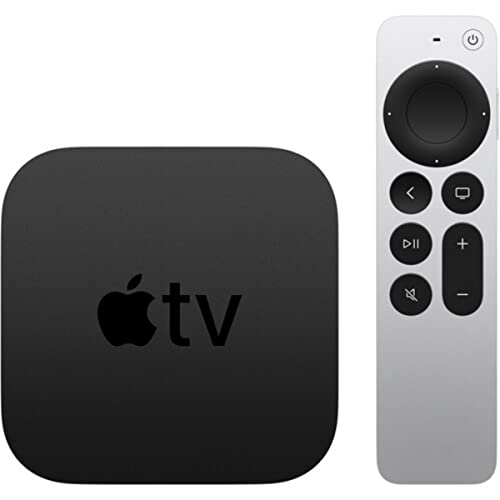
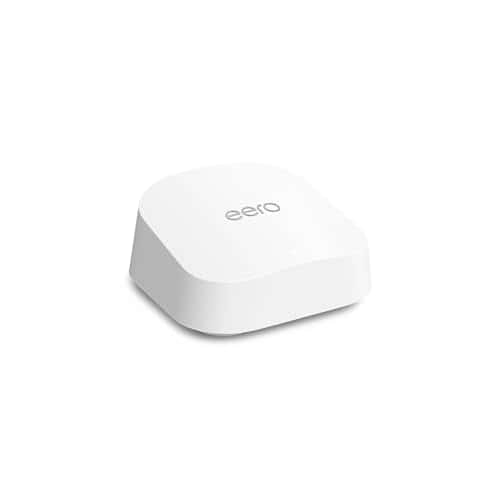
And here’s the practical kicker: you probably already own a Thread border router. The Apple TV 4K (Ethernet+Wi-Fi model), HomePod mini, fourth-generation Echo, Echo Studio, and several eero mesh routers all function as Thread border routers. Check your living room before buying new hardware.
The Honest Caveats
I’m not going to pretend Matter is flawless. That would make me no better than those guides I’m criticizing. Here’s where it still falls short.
Setup can be finicky. Pairing a Matter device should be as simple as scanning a QR code. In practice, it sometimes takes multiple attempts, and the experience varies wildly depending on which controller platform you’re using. Apple Home tends to be smoother than Google Home for initial pairing, based on user reports, but your mileage will vary.
Not all Thread border routers are equal. As of January 2026, new border routers must be Thread 1.4 certified. Older devices running Thread 1.3 still work, but they won’t support the latest features. The eero 7 and IKEA Dirigera are among the first Thread 1.4 devices on the market.
Some device categories are still thin. Cameras just got added with Matter 1.5. Robot vacuums, sprinkler controllers, and some niche categories aren’t there yet. If you need those, you’ll still be mixing protocols for a while.
Manufacturer implementation quality varies. Matter is a standard, but how well each company implements it differs. IKEA’s launch troubles prove that a good standard doesn’t guarantee a good product. Stick with brands that have a track record: Aqara, Eve, Nanoleaf, and Philips Hue (via their Matter bridge) have been more reliable based on community feedback and reviews.
How to Actually Get Started
If you’re convinced (or at least curious), here’s what I’d do if I were building a smart home from zero today.
Step 1: Check what Thread border router you already own. HomePod mini, Apple TV 4K, Echo (4th gen), Echo Studio, eero router? You might be set without spending a dime.
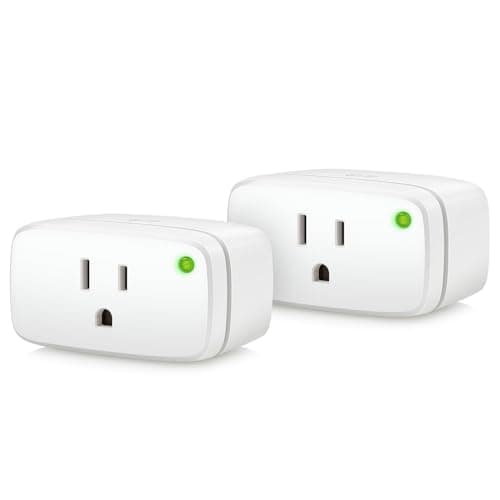
Step 2: Pick your first device category. Smart plugs or bulbs are the lowest-risk starting point. Something like the Eve Energy smart plug (Matter over Thread, no hub required) or Nanoleaf Essentials bulbs lets you test the waters for under $40.
Step 3: Add your devices to your preferred ecosystem. Scan the Matter QR code with the Alexa app, Google Home, Apple Home, or SmartThings. The whole point is that it doesn’t matter which one you choose. You’re not locked in.
Step 4: Expand gradually. Add a room at a time. Don’t buy 30 devices in one weekend and try to set them all up while your family stares at you wondering why the lights keep flickering. Trust me on this one. 😅
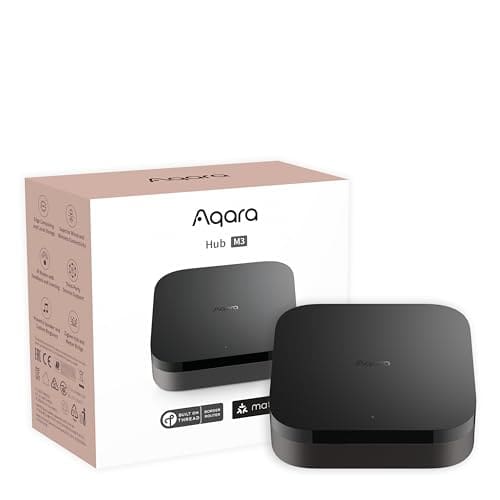
Step 5: Keep your existing stuff if it works. Already have Zigbee devices you love? Bridges like the Aqara Hub M3 or Philips Hue Bridge can bring them into the Matter ecosystem. You don’t have to throw everything out and start over.
The Bottom Line
The smart home industry spent years telling you the most important decision was which voice assistant to use. That was never true, and it’s especially not true in 2026.
Your protocol is your foundation. Everything else, the apps, the voice control, the automations, sits on top of it. Get the foundation right and switching anything above it is painless. Get it wrong and you’re replacing hardware.
Matter over Thread isn’t perfect yet. But it’s the first protocol that’s truly cross-platform, and the device ecosystem is finally large enough to build a complete home around. For anyone starting fresh, it’s the obvious choice.
For those of you already deep in a Zigbee or Z-Wave setup that’s working well? Keep it. Seriously. If it ain’t broke, a new protocol isn’t going to fix it. Bridge your existing devices into Matter when it makes sense, and buy Matter for new additions. That’s the practical path.
Now if someone could just make a smart scale that doesn’t judge me, we’d really be living in the future. 😄
Share Your Setup
What protocol is your smart home running on? Have you tried Matter yet, or are you waiting for it to mature a bit more? I’m genuinely curious what’s working (and not working) for people in the real world. Drop a comment below, or share this with someone who’s about to make their first smart home purchase. Might save them from the same mistakes most of us made.
Sources
- The Matter Standard in 2026: A Status Review – Matter 1.5 spec details, certified device counts
- CSA-IOT: Build With Matter – Official Matter standard information and certification data
- Matter & Thread Explained (2026) – Thread 1.4 requirements and border router updates
- Matter over Thread vs Zigbee & Z-Wave (2026) – Protocol comparison and bridging options
- Complete List of Thread Border Routers – Apple, Amazon, and third-party border router compatibility
- IKEA’s Matter Launch Problems – Real-world Matter pairing issues and failure rates
- Common Smart Home Failures in 2026 – Installation failure statistics and beginner mistakes
- Zigbee vs Z-Wave vs Matter (Aqara) – Protocol strengths and weaknesses breakdown